Find
Artists, artwork, portfolios, studios, venues, exhibitions, events and NROS news.
The official NROS app
Find artists and open studios, see what is near you, plan a day of visits and keep track of the places you discover across Northamptonshire and Rutland.


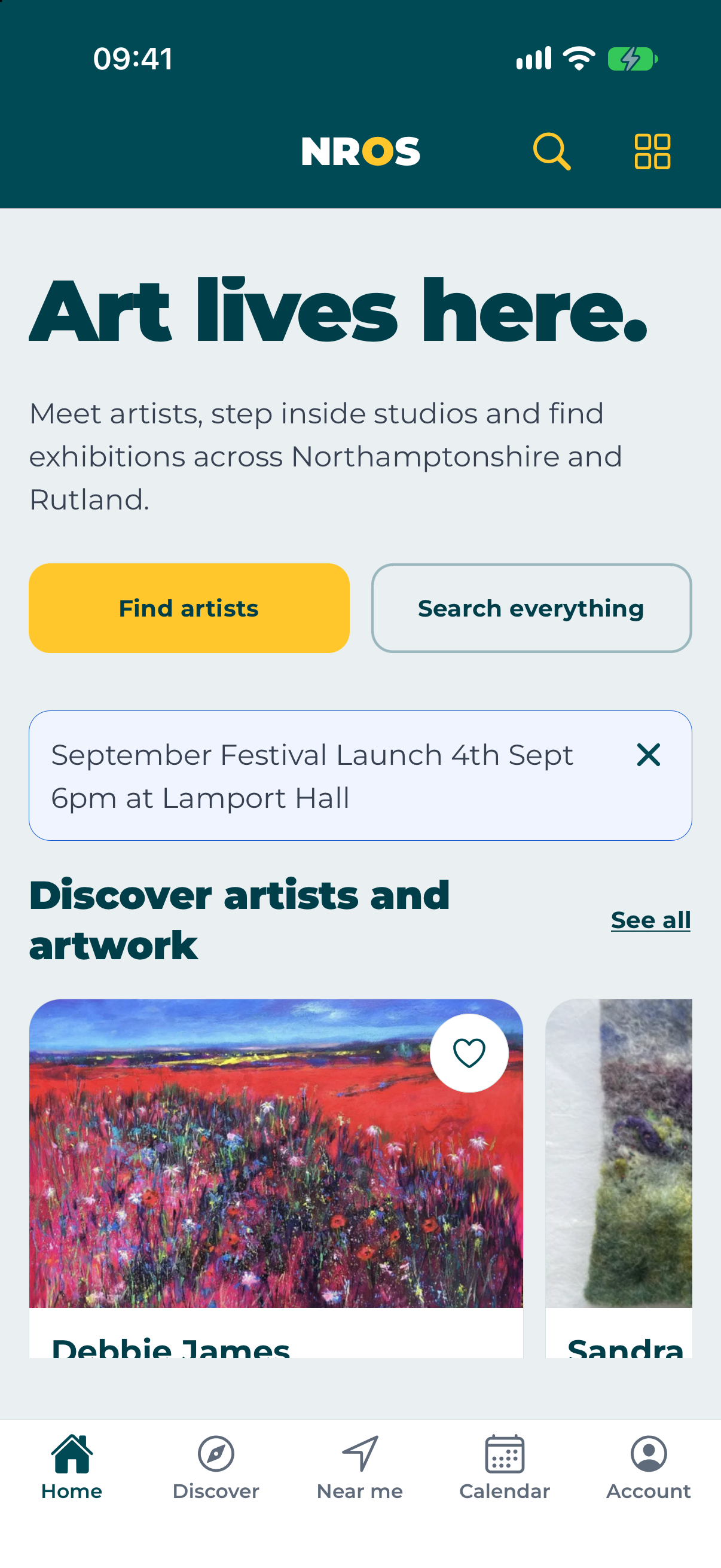
The app brings the useful parts of the NROS website into one guide built for days out—whether you are planning at home or already on the road.
Artists, artwork, portfolios, studios, venues, exhibitions, events and NROS news.
Check dates and opening information, save places and build routes for different days.
Follow your stops, open directions and check in when you arrive at a participating place.
Keep a visit history, rate a visit, send private feedback and return to saved discoveries.
Choose where you want to start, add artists or venues, arrange the stops and save separate plans for different days.
Use your current area or enter a postcode before adding the places that interest you.
Review the stop order and opening details before you set off.
See the next stop, open directions and mark progress as you travel.
Location is used only for features you choose. Live routes can continue arrival checks while another navigation app is in front, and an optional setting can use occasional low-power updates after substantial movement to refresh nearby-art widgets. NROS does not keep a journey or location history. You can use a postcode for Nearby instead.
See nearby artists, venues and events on a list or map. You can also search from a postcode when planning somewhere else.
Check in when you arrive, check out when you leave, see visits by day or on a map, and add a rating or private feedback afterward.
See what is happening today and what is coming up, then check the latest opening information before travelling.
Save discoveries, scan secure NROS QR codes at venues and download selected public information and images for use without a signal.
Browse public artists, events, venues, maps and news without an account. Sign in when you want to save favourites, plan routes or keep your visits together.
No advertising SDK and no cross-app tracking.
To install the NROS app, tap the 'Share' icon and then 'Add to Home Screen'.
1. Tap the Share button.
2. Select 'Add to Home Screen'.